

Design has always moved at the pace of human imagination. The faster teams can turn ideas into tangible outputs, the sooner those ideas can earn trust, solve problems, and create value. AI now sits at the centre of that shift. It takes the skills designers already have and amplifies them. It trims friction from everyday tasks, expands creative exploration, and opens up ways of working that were unthinkable even a few years ago. For anyone building products, scaling a business, or managing a design team, this is the moment to understand how AI for design workflows reshapes what is possible.
The rise of AI is not replacing design craft. It is redefining how design gets done. Those who learn to partner with these tools gain more than speed. They gain clarity, sharper thinking, and space for higher-value decisions. Clients feel the difference when a design process runs smoothly. Teams feel more confident when they can test ideas earlier. And the finished product reflects stronger reasoning and better user insight.
This article breaks down practical, repeatable ways to use AI for design workflows across research, ideation, prototyping, writing, and design strategy. You’ll see examples pulled from real projects, learn where the value lies, and understand how AI fits into a modern, effective UX practice. If you want a consultant who not only designs well but designs with AI to elevate your outcomes, this structured approach shows exactly how that partnership works.

New tools appear every week, but the real momentum comes from what they enable: faster experimentation, reduced bottlenecks, and a more informed creative process. When teams use AI for design workflows, they gain the ability to explore dozens of directions in the time it once took to prepare a single version. This shift doesn’t dilute creativity. It strengthens it by lowering the cost of exploration. Designers can push boundaries without worrying about wasting hours on options that may never be used.
Another advantage is consistency. AI brings high-quality repeatability to tasks that once drained attention. Cleaning survey data, preparing mood boards, documenting design decisions, and drafting content all become smoother when AI supports the process. The designer still leads with judgment and taste, but AI removes unnecessary labour. This leaves more room for strategic thinking, clearer storytelling, and better collaboration with stakeholders who want design to move quickly without losing depth.
Teams often discover that AI for design workflows also helps with alignment. Communicating ideas is easier when initial visuals, scripts, or prototypes can be generated in minutes. Early feedback becomes more meaningful. Stakeholders respond faster because they have concrete artefacts to react to. This reduces delays and limits the need for extensive revision rounds. The outcome: projects reach stronger solutions in less time, with fewer points of friction.
Buy on Amazon
Research is the beating heart of UX, and AI strengthens the entire process from the first conversation with a client through to insight synthesis. Many research tasks involve gathering information, sorting through signals, and spotting patterns. AI accelerates each step while preserving the researcher’s judgment and context.
When working with survey data, AI can clean, cluster, and summarise responses far quicker than manual processing. This allows designers to spot emerging themes early and guide clients toward clearer decisions. During interviews, AI note-takers remove the pressure of capturing every detail, freeing the researcher to stay fully present. After sessions, transcript analysis tools can highlight behavioural clues, sentiment shifts, and repeated phrases users rely on.
Across all of this, the designer maintains full control. AI strengthens the workflow, not the conclusions. For example, when working on a healthcare booking platform, AI helped synthesise hundreds of patient comments. It surfaced frustrations around appointment reminders, payment flow confusion, and trust issues. These threads were then explored manually for reliability. The result was a stronger insight base, clearer design goals, and a smoother project timeline.
This is where AI for design workflows earns trust. It doesn’t replace research thinking; it amplifies its reach.
Ideation is where AI shines brightest. Designers often begin with broad exploration, looking for promising concepts before narrowing down to the strongest path. Instead of sketching dozens of ideas manually, AI tools can generate variations in seconds. This isn’t about accepting whatever the tool offers. It’s about giving the designer more raw material to shape.
When creating a new onboarding flow for a financial app, for example, AI generated a series of potential screen sequences based on different behavioural models. These weren’t final designs, but they accelerated the team’s decision-making. Designers could quickly eliminate ideas that didn’t fit the product’s positioning and spend more time refining those that did.
Across branding, product design, interface structure, and user journeys, AI for design workflows produces draft versions that speed up decision cycles. Designers ask better questions. Stakeholders understand the intention behind choices. And teams move from “maybe this could work” to “here’s the strongest direction” much sooner.
Two paragraphs written bullet list follows:
- Generate multiple visual directions quickly
- Test tone, structure, or layout variations without heavy preparation
- Explore alternative user journeys based on different behavioural assumptions
- Strengthen collaboration by giving teams artefacts to discuss early
- Remove design block by presenting fresh creative paths
These benefits make ideation more grounded, more collaborative, and more efficient. AI expands the creative field while keeping the designer firmly in the driver’s seat.
Prototyping often takes longer than expected. Teams get stuck deciding on layout conventions or content placement, rather than testing core interactions. AI for design workflows solve this by producing initial wireframes instantly. Designers can refine them into stronger artefacts rather than starting from a blank page.
If the goal is to test comprehension, structure, or the feel of a flow, AI-generated wireframes are ideal. They spark discussion early and help teams align on function rather than aesthetics. For a recent redesign of a healthcare intake form, AI rapidly produced three layout options reflecting different cognitive load patterns. These served as testable concepts within 24 hours, something that previously took a full week.
The real value arrives in iteration. When AI produces the next version based on feedback, the team sees progress quickly. That momentum keeps stakeholders engaged, reduces revision cycles, and shortens the path from concept to validated design.
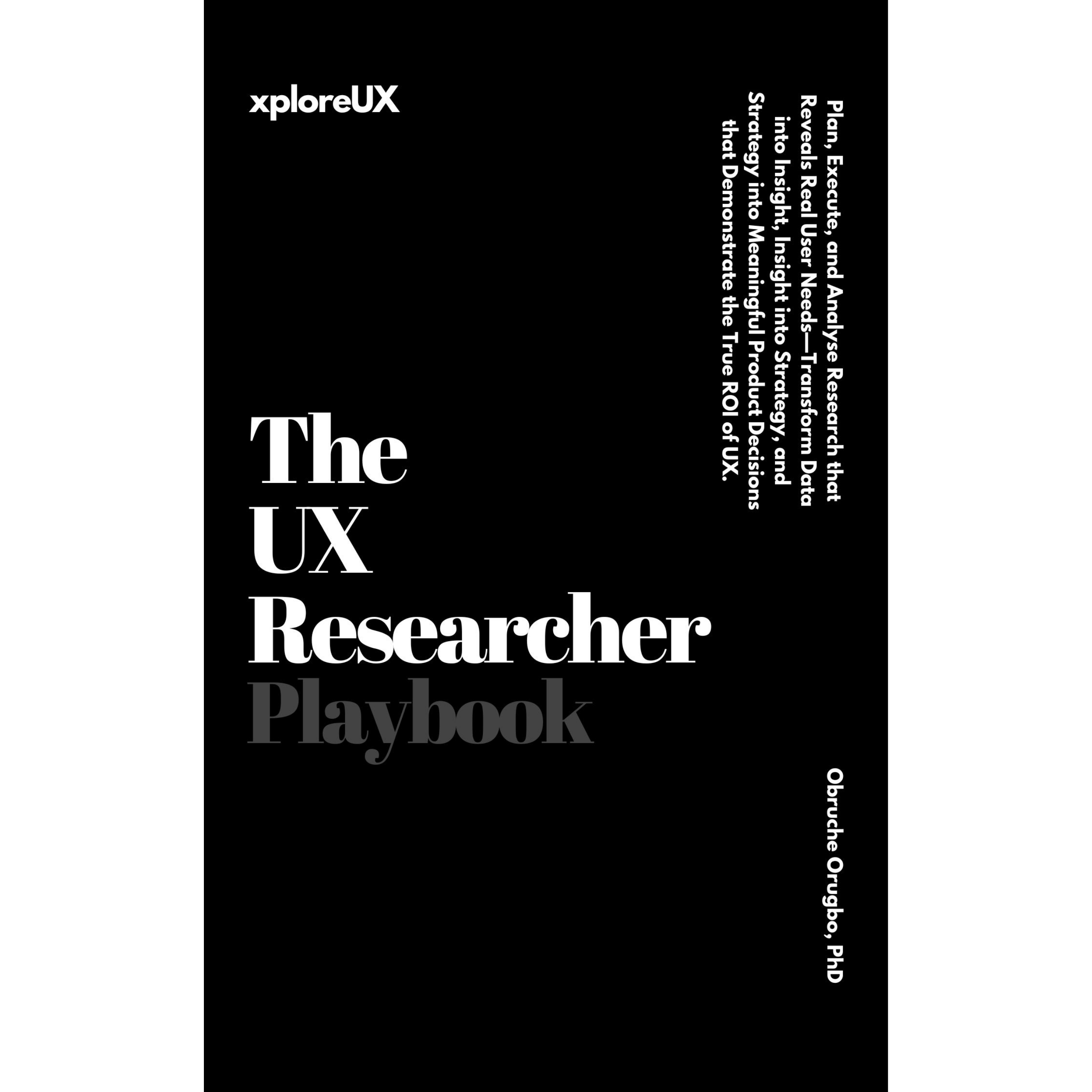
The UX Researcher Playbook: Plan, Execute, and Analyse Research that Reveals Real User Needs
Available now on Amazon
Whether you’re writing UX copy, onboarding messages, interface hints, or design documentation, content creates clarity. Yet it is often one of the slowest parts of the design process. AI for design workflows clear this hurdle with high-quality draft content that designers can refine.
Instead of wrestling with first-draft friction, teams can start from a polished baseline. Tone adjustments, length changes, and brand-specific refinements then become easy. When working on a consumer finance app, AI helped shape initial microcopy, allowing the team to refine voice and ensure that calls-to-action matched user intent.
Two paragraphs completed — bullet list follows:
- Produce content variations for testing
- Align language style across complex flows
- Reduce time spent on documentation
- Support non-writers through clear starting points
- Strengthen product storytelling with concise explanations
The content remains human-led, but AI lifts the burden of starting from zero.
Design leaders often need clarity faster than their schedules allow. AI helps by aggregating research signals, summarising lengthy documents, and highlighting risks or opportunities in the design approach. This makes stakeholder discussions sharper and more insightful.
A startup founder, for example, may need to understand whether simplifying a checkout flow will reduce drop-offs. AI for design workflows can model scenarios based on existing behavioural patterns. The designer then uses these insights to recommend a clear path. AI accelerates understanding, but the human still makes the strategic call.
This capability becomes even more valuable when guiding clients who feel overwhelmed by options. They don’t need more noise; they need an expert who can turn AI-powered insight into confident direction. That is the heart of modern UX consulting.
A mid-size e-commerce brand approached me for a full redesign of their product discovery flow. They were struggling with high drop-off rates and couldn’t pinpoint where users were losing confidence. The traditional approach would have required weeks of research, mapping, concepting, and iteration.
Using AI for design workflows, we compressed the early stages dramatically. AI analysed customer reviews, support transcripts, and survey comments to highlight the dominant friction points. It became clear that search filters, image clarity, and checkout clarity were major blockers. We produced early concepts immediately, tested them with real users within the same week, and refined the sequence based on feedback.
The brand saw conversions rise after launch, but the deeper win was speed. The AI-enabled workflow allowed us to focus more heavily on decision quality rather than administration. Stakeholders were more engaged because versions appeared rapidly, and the final product reflected a level of polish that often takes months.


Clients today want partners who solve problems with precision and pace. They want clarity, strong reasoning, and designs that meet user needs without waste. Consultants who use AI for design workflows deliver exactly that.
When your consultant uses AI effectively:
- Projects move faster
- Insights are richer
- Alignment happens earlier
- Testing is easier
- Output quality improves
- Costs stay predictable
This combination builds trust. It shows clients that technology is being used responsibly to elevate results, not replace creativity. It also positions the consultant as someone who understands both human behaviour and modern tooling — a powerful blend for teams that want a competitive advantage.
This approach also gives smaller businesses access to design quality that once required large teams. Busy mums running creative businesses, healthcare professionals building tools for patients, or startup founders trying to grow quickly all benefit from streamlined, insight-driven design.
Many designers want to start using AI but aren’t sure how to integrate it into their routines. The key is to focus on tasks that drain time without adding strategic value.
Here are three daily workflows you can begin using immediately:
Workflow 1: Research Acceleration
Open your research files, feed transcripts into your AI tool, and ask it to surface patterns. Then review everything manually, applying your judgment to confirm accuracy. This gives you a well-structured insight base without hours of sorting.
Workflow 2: Rapid Ideation Rounds
Describe your design challenge in simple language. Generate 10–20 variations. Refine the best three and present them as early concepts. This expands creative thinking and gives stakeholders real material to discuss.
Workflow 3: Faster Prototyping
Use AI to generate first-pass screens. Improve the structure, refine interactions, then test them. The result: quicker iteration, more focused user testing, and clearer reasoning.
Each of these demonstrates how AI for design workflows frees you from repetitive tasks and elevates your contribution.
Designers who thrive over the next decade will not simply know how to use AI tools. They will understand when to use them, why they matter, and how to blend human judgment with AI-supported execution. This mindset differentiates a technician from a strategic designer.
If you are a founder, product owner, or team lead, working with a consultant who understands AI for design workflowsgives you a measurable edge. You gain faster delivery, deeper insight, and more confident decision-making.
If you are a designer, leaning into AI now strengthens your professional identity. You demonstrate adaptability, foresight, and the ability to guide teams through increasingly complex environments.
If you want to improve clarity, speed, and impact across your projects, this is the time to integrate AI for design workflows into your daily practice. Teams that master this now will set the standard for the next wave of digital products. Those who wait will find themselves working harder to achieve the same outcomes.
As a UX consultant, I help teams adopt AI-enabled design practices that deliver measurable improvements. Whether you’re building a new product, redesigning an existing one, or shaping a long-term strategy, you’ll gain a partner who blends deep UX thinking with modern, efficient workflows.
If you’re ready to elevate your design process, reach out. Let’s build the future of your product together.
The UX & AI Playbook: Harnessing User Experience in an Age of Machine Learning
The UX Strategy Playbook: Designing Experiences that Put Users First
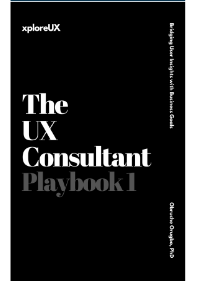
The UX Consultant Playbook 1: Bridging User Insights with Business Goals
The UX Consultant Playbook 2: Crafting High-Impact Solutions
The UX Deliverables Playbook: Communicate UX Clearly & Confidently
The UX Consultant Playbook 3: Mastering the Business of UX Consulting
Vibe Coding & UX Thinking Playbook: How to Turn Your Ideas Into Real Apps Using Plain English and UX Thinking